Interactive Drafting Menu Bar | ||
| ||
PLM Access
The PLM Access menu has specific commands including importing/exporting a drawing, defining a sheet, printing a sheet and so on.
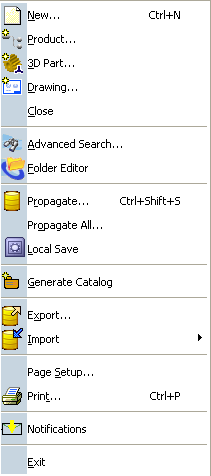 |
New... |
| Propagate... | |
| Page Setup... | |
| Print... See Printing |
Edit
Using the Edit menu you can create frame and title block, view the links of a drawing, view properties dialog box and so on along with common operations such as copy, paste, find and replace.
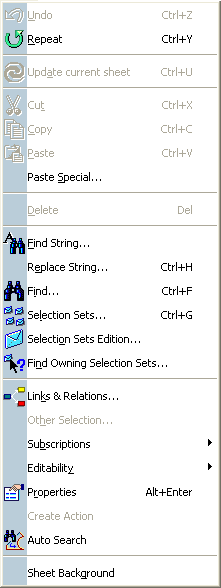 |
Sheet Background |
Insert
Using the Insert menu you can insert views, sheets, annotations and dress-up features, etc.
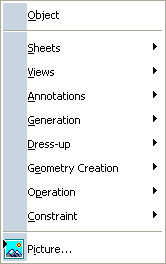 |
Object |
| Sheets
See Managing Sheets |
|
| Views See Creating Views |
|
| Annotations | |
| Generation Not available in Interactive Drafting |
|
| Dress-up | |
| Geometry Creation | |
| Operation | |
| Constraint | |
| Picture |
Tools
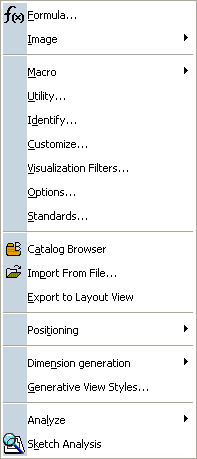
Using the Tools menu you can position and align dimensions, customize settings, customize standards and so on.
 |
|
| Options | |
| Standards
See Administration |
|
| Positioning | |
| Import From File... |