You can delete the insulation placed in your piping network using Delete Insulation command.
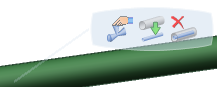
Click Modify in the Compass Toolbar and select the pipe or part to delete insulation.
Click Edit > Insulate > Delete Insulation in the balloon.
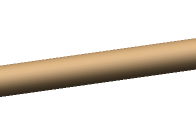
The insulation is deleted.
 in the Compass Toolbar
and select the pipe or part to delete insulation.
in the Compass Toolbar
and select the pipe or part to delete insulation.
 > Insulate
 > Delete Insulation
 in the balloon.