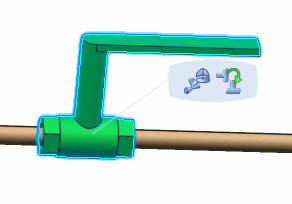
You can flip a part using Flip command.
Click Modify in the Compass Toolbar.
Select the part you want to flip.
Click Manipulate> Flip in the balloon.
The part is flipped.
 in the Compass Toolbar.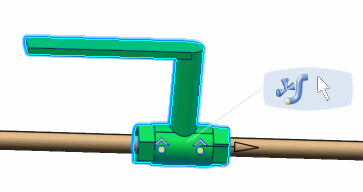
 > Flip