Placing a Part on a Port or Node | |||||
|
| ||||
Click Place Part
 in the Compass Toolbar.
Click Placement Methods
 > Place on Port or Node
  in the balloon.
Select the part or the pipe on which you want to insert the part.
In the example below, a hydraulic cylinder is selected.
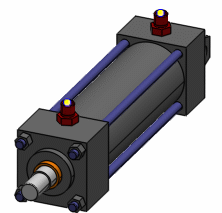
Select a part.
For more information, see Selecting a Part.
The part is inserted on the port or node, and the Manipulator
 and the Flip
  options are displayed in the balloon to help you position the part.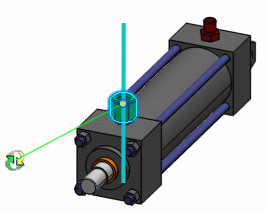
Important: When placing a part on a route node or segment, if the directional point length is greater than the next node on the route, directional point gets created at half distance between port of the part and next node. Position the part.
The Manipulator
allows you to
rotate the part
by clicking and dragging.Click Commit
 to
validate.
to
validate.