Creating a Logic System | ||||||
|
| |||||
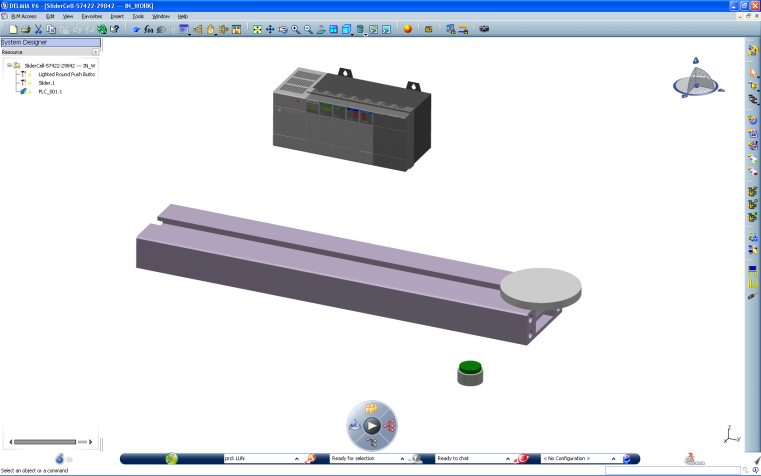
Open an organizational resource containing several leaf resources having simulation logics.
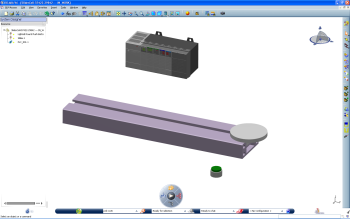
Click Create Logic
 and select the organizational resource.
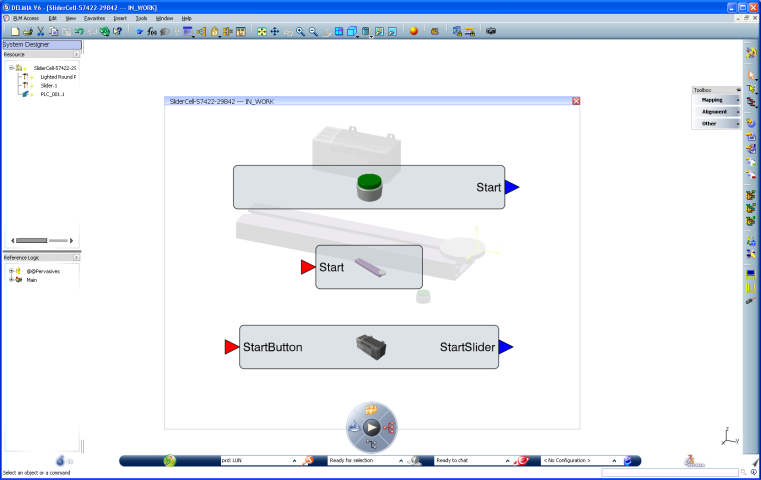
An immersive editor containing the block instances of every leaf resources appears.
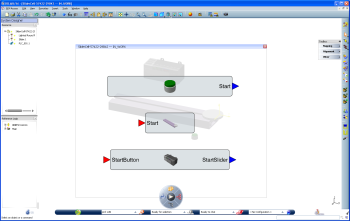
Tip: The icons  and
and  represent the internal and external ports of the Main block.
 If the ports are structured, there are represented by the following icons
 and
and  .
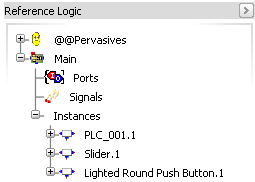
.In the Reference Logic tree, you can see the structure of the simulation logic associated to the organizational resource.
You can now map the different instances.
- Click Standard
 , select the output Start, then the input ButtonStart.
A link is created between the two ports.
- Click Standard, select the output StartSlider, then the input Start.
A link is created between the two ports.
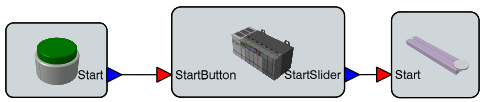
- Click Standard
The system logic is ready to be simulated.