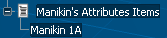
Creating a File with Specific Manikin's Attribute Items | ||||||
|
| |||||
Click Create Manikin's Attributes Item
 .
.The Manikin's Attributes Item Creation dialog box appears, along with the Tools Pallet.
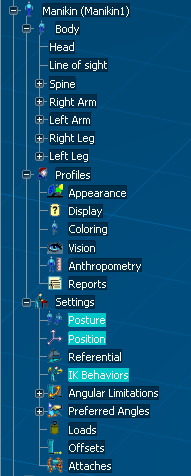
Select the attributes that you would like to catalog.
Hold down the CTRL key to select multiple.
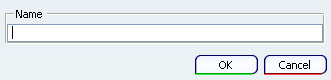
Type in a name, e.g. Manikin 1A, in the Manikin's Attributes Item Creation dialog box.
The Tools Pallet dialog box also shows that 3 Elements have been selected.

Click OK.
The new attribute is generated and added to the Manikin's Attributes Items.