Select the product in the Specification Tree.
Click Statistics
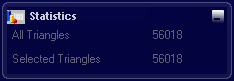
 option. option. The Statistics dialog box appears.
Click Hidden Surface Removal
 . .
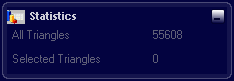
Hidden triangles according to any point of view have been removed. In the Statistics dialog box, the full number of triangles decreased.
|