Task for Catia V6 Properties | ||
| ||
- From the search results list, select a Task for Catia V6 and click
Edit >
 Properties.
The Properties dialog box appears.
Properties.
The Properties dialog box appears.
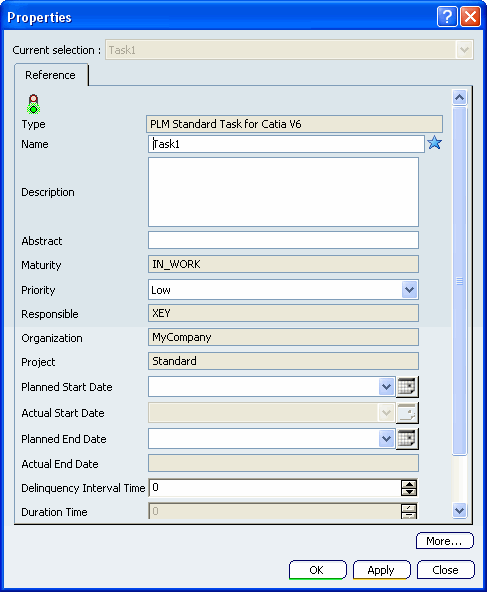
By default, the active tab is Reference. Make the required changes to the attributes in the Reference tab and click:
- Apply to save your changes.
- OK to save your changes and close the Properties dialog box.
- Close to close the Properties dialog box without saving your changes.