Click Modify
 in the Compass Toolbar.
Move the pointer over Select
to view all the options applicable to the selected part.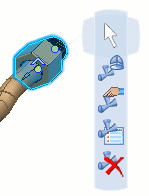
Click Analyze
 in the balloon.
More balloons appear.
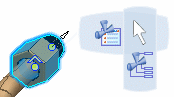
Move the pointer over the Select
command and click Analyze Item  .
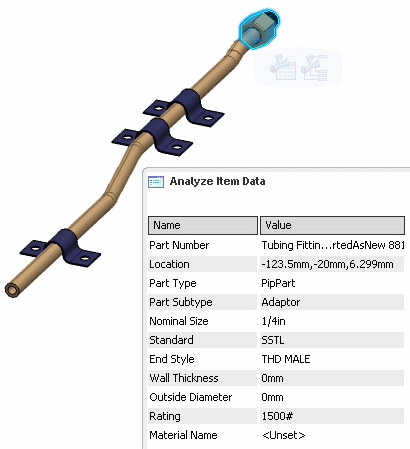
.The Analyze Item Data dialog box appears with information about the selected part.
Click to enlarge this image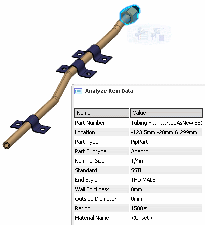
Click Analyze
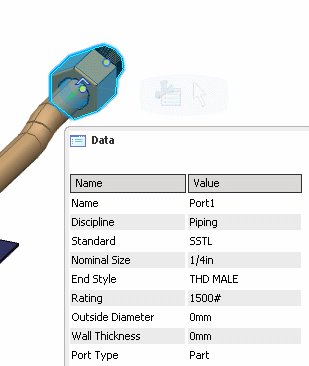
in the balloon to analyze a port.The ports on the selected part become visible.
Click the port to analyze.
The Data dialog box shows information about the selected port.
Click Analyze Item
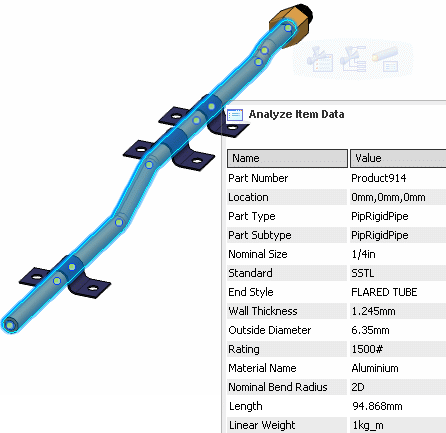
.The Analyze Item Data dialog box displays information about the pipe and more options are available in the balloon..
Click to enlarge this image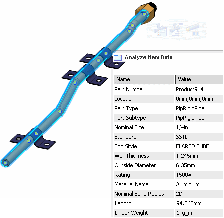
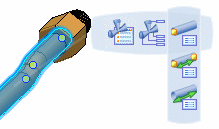
Click the analyze option of your choice.
- Show Node Data
 allows you to display information about a node.
 - Show Distances
 allows you to see the distances between nodes
 - Show Straight
Distances
 allows you to see arc length and angle made at the bends of the pipe.
- Show Node Data