Defining Equipment | |||
| |||
Click Equipment
 in the Technological Behavior toolbar.
The Equipment Extension dialog box appears.
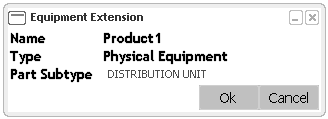
| Important: If you have set the Physical Equipment Subtype file in the Equipment Resource of the Project Resource Management, then a list is generated at the Part Subtype box. You can select a subtype from the drop-down list and set it as an equipment type by clicking OK. |