Defining Modules | |||
| |||
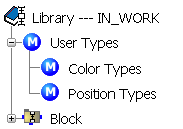
To add a new module, select an element of the logic tree and do one of the following:
- Select New Module
 in the Module Management toolbar.
 - Select in the contextual menu of the selected element.
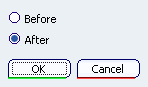
The Position dialog box is displayed.
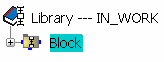
- Select New Module
Select Before and click OK.
The Module Properties dialog box is displayed.
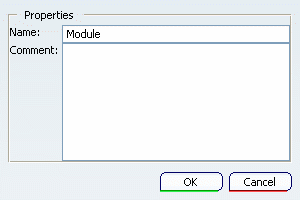
If needed, change the name and add a comment. Click OK.
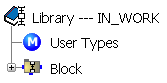
You can now add any logic elements in the new module. For instance, you can insert sub-modules as explained in the previous steps.