Defining a Write Command activity | |||
| |||
Click Write Command
 in the Activities toolbar.
The Write Command dialog box appears.
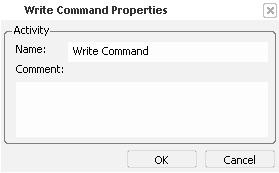
Click OK.
- The Write command block instance is added to the current block.
- The activity appears as a block parameter in the specification tree.
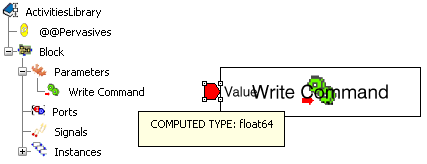
The input port Value has to be set with the value of the mechanism command. The unit matches the current user settings (refer to ).
Important: You can create one Write Command activity per command defined in the mechanism. To complete the behavior,
- You can create a constant to map to the Value port.

- You can also edit the Write command instance properties to enable the activation port.

In this simple example, the value 90 is applied to the mechanism command when Command_activate is true.
- You can create a constant to map to the Value port.
Now, you can instantiate the block in the simulation logic of a resource containing a mechanism. At the instantiation, you have to associate the Write Command activity to one of the resource mechanism commands.