Editing Blocks | |||
| |||
Open the Block Editor
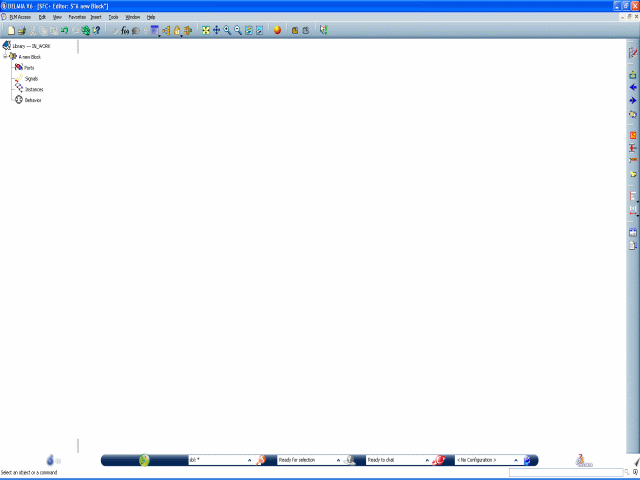
You can open the Block Editor by selecting the Launch Block Editor command or double-clicking the block in the specification tree.
To open the block editor, do one of the following:.
- Select the block (SFC+ or Dataflow block) in
the specification tree and select Launch Block Editor

- Double-click the block in the specification tree.
The Block Editor workbench is opened in a new window.
- Select the block (SFC+ or Dataflow block) in
the specification tree and select Launch Block Editor
To close the Block Editor workbench, click the Close button at the top right of the window or click First Editor
 .
.

Open the SFC+ Editor
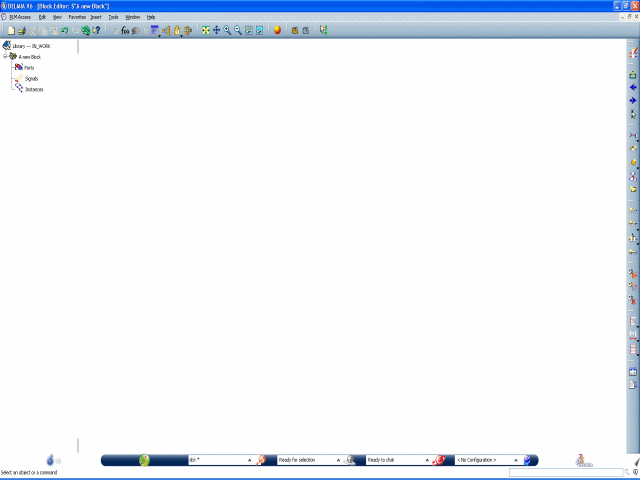
You can open the SFC Editor by selecting the Launch Behavior Editor command or double-clicking the Behavior node in the specification tree.
To open the SFC+ Editor, do one of the following:
- Select the SFC+ block in the specification
tree and select Launch Behavior Editor
 .
. - Double-click the node Behavior in the specification tree.
The SFC+ Editor workbench is opened in a new window.
- Select the SFC+ block in the specification
tree and select Launch Behavior Editor
To close the SFC+ Editor workbench, click the Close button at the top right of the window or click First Editor
.