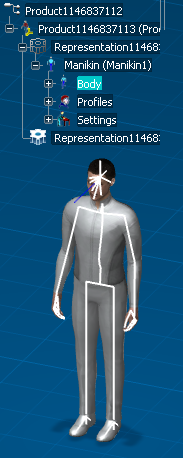
This describes how to access the Human Posture Analysis by using the Manikin Workbench Access toolbar.
Click Opens the Human Posture Analysis workbench .
Click the Manikin from the 3D geometry window.
Note: The 3D window automatically changes to the Human Posture Analysis workbench.