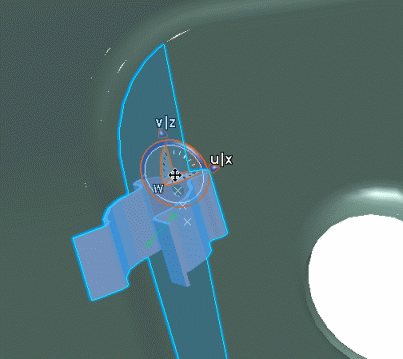
Using Smart Move | |||||
|
| ||||
In the Electrical Assembly Design workbench, click SmartMove
 or select Tools > Smart Move.
You are prompted to select a device.
Click the support.
A manipulator appears.
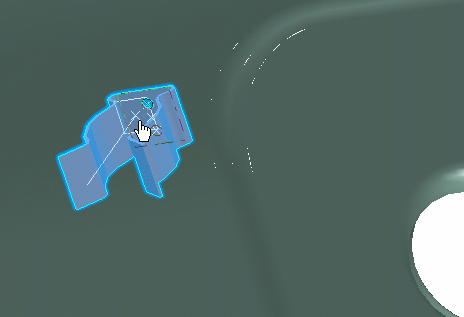
Move the cursor to change the location of the support.
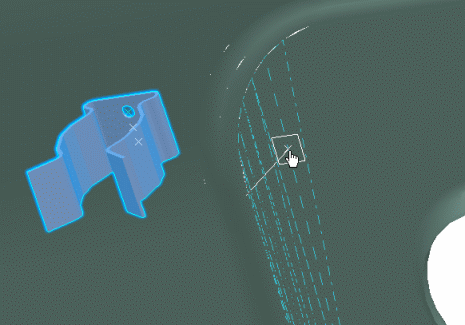
In the geometry area, the manipulator allows you to select a:
- Placement point
- Privileged plane
- Direction: you can select an edge.
By pressing the Shift key, you can invert the direction.
Click to place the support:
The support is placed on the selected plane with the Robot automatically snapped to the component.