About Multi-supports | ||
| ||
Multi-supports
Using the Define Support command several times on the same support allows you to define several ways through (multi-support). To do so, simply select another point or points.

Note:
When you define another way through a support, the second plane is
predefined. This plane is always the same as the first support
created.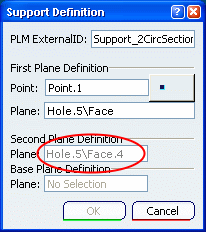

Retainers and Multi-supports
A retainer is a special type of support, which is composed of a specified straight base. The bundle segment routed through this support keeps in contact with this base, whatever the segment diameter is. A retainer can be a multi-support: two different base planes can be defined, along which segments can be routed.
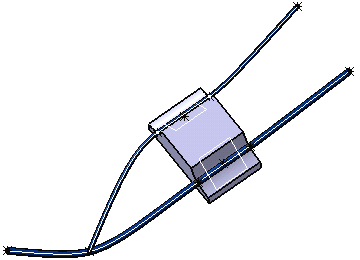
For more information, refer to Electrical 3D Installation User's Guide: Routing Branches: Routing along Retainers.