Connecting with Credentials Manager | ||
| ||
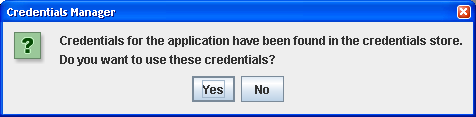
If, for a selected application type and instance, credentials are found in the credential store, then the following dialog box appears:
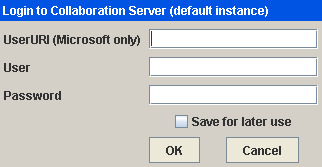
If the credentials for selected application type and instance are not found in the credential store (or if you chose not to use the stored credentials), then the following dialog box appears for you to authenticate your connection to the application:
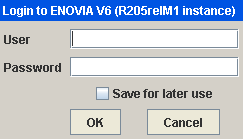
If the credentials for selected application type and instance are not found in the credential store, then the following dialog box appears for you to authenticate your connection (e.g. to the Collaboration application):